Create a ToneProof registry record by adding instrument details, required identity images, and optional supporting documentation.
ToneProof captures a surface identity signature — natural wood grain where visible, or precise structural-landmark positioning where it's not — to support future identification and record continuity.
A registry credit is required to submit this record.
What this is
Self-service creation of a ToneProof documented registry record
Useful for documenting current condition, identity details, and supporting materials
Surface identity capture — wood-grain where visible, or structural-landmark where it's not
Why people use it
Create a dated record for future verification, resale, or insurance documentation
Maintain documentation for insurance, archive, or personal records
Preserve provenance and supporting artifacts over time
Verification Service users may also complete this intake in advance so ToneProof can review
instrument details before the scheduled session.
Photo capture guide
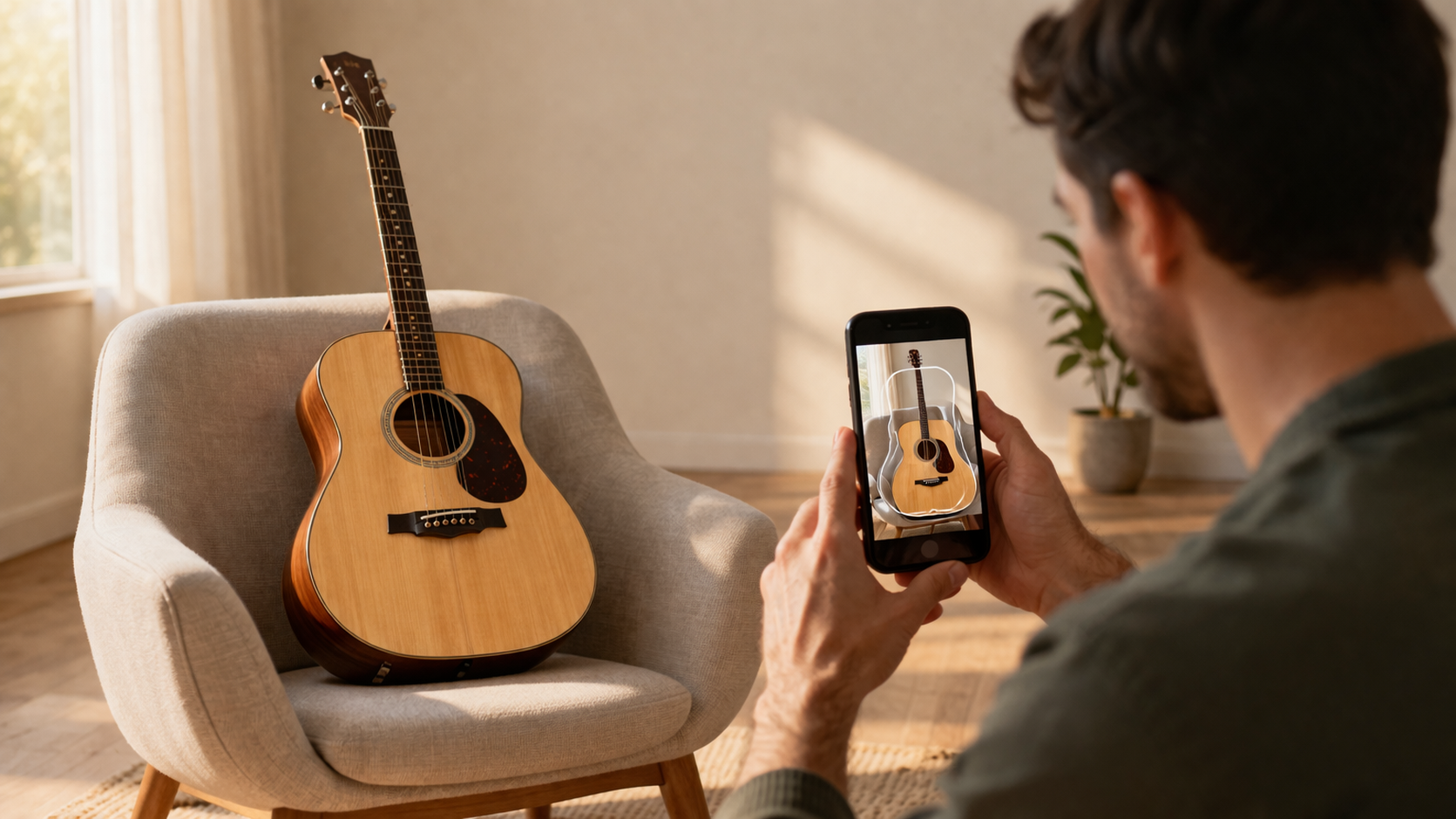
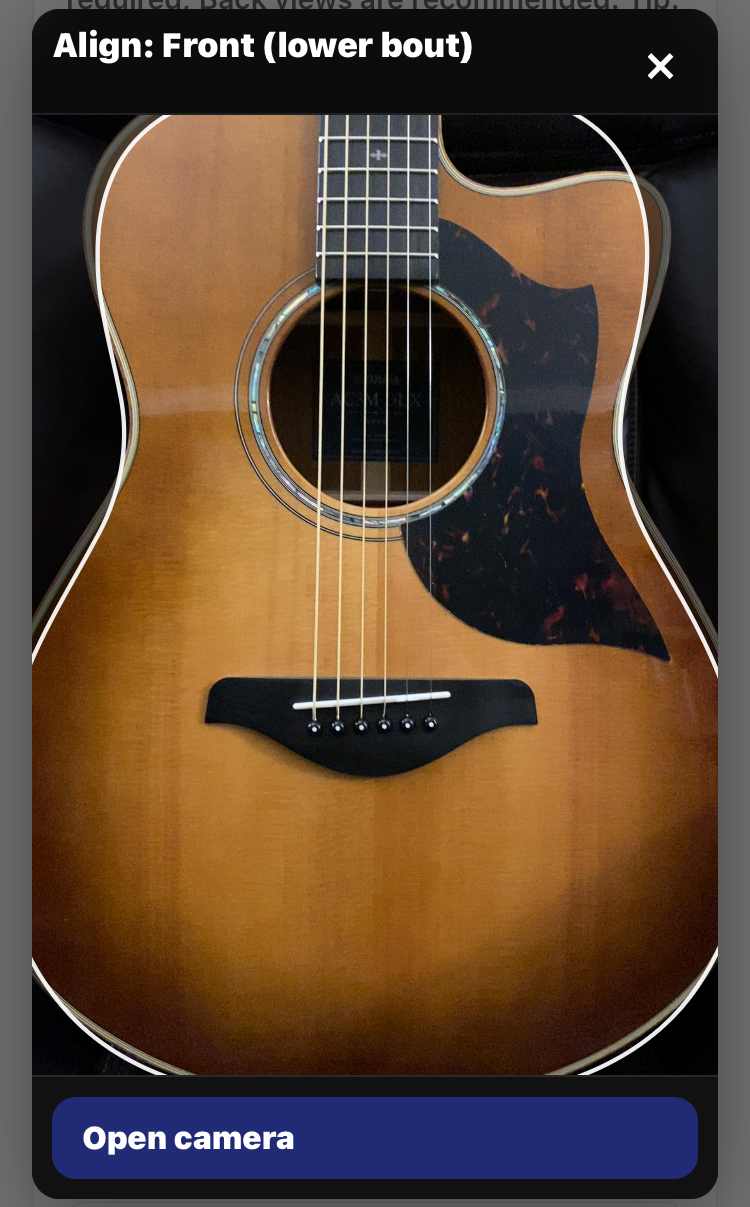
For each view: Align to the overlay → Open camera → capture a clean, sharp photo.
Front (lower bout)
Step 1 — Align
Match the guitar edges to the outline. It’s okay if a small part is off-screen.
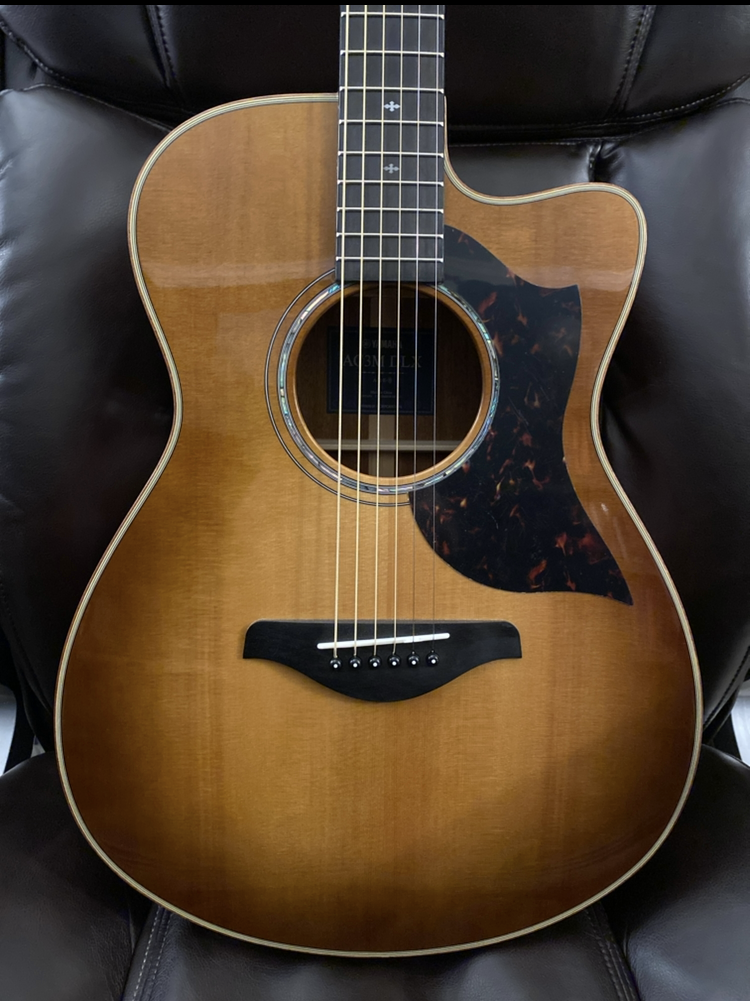
Step 2 — Capture
Center the guitar in the outline. Keep it sharp, avoid glare, and don’t crop the body.
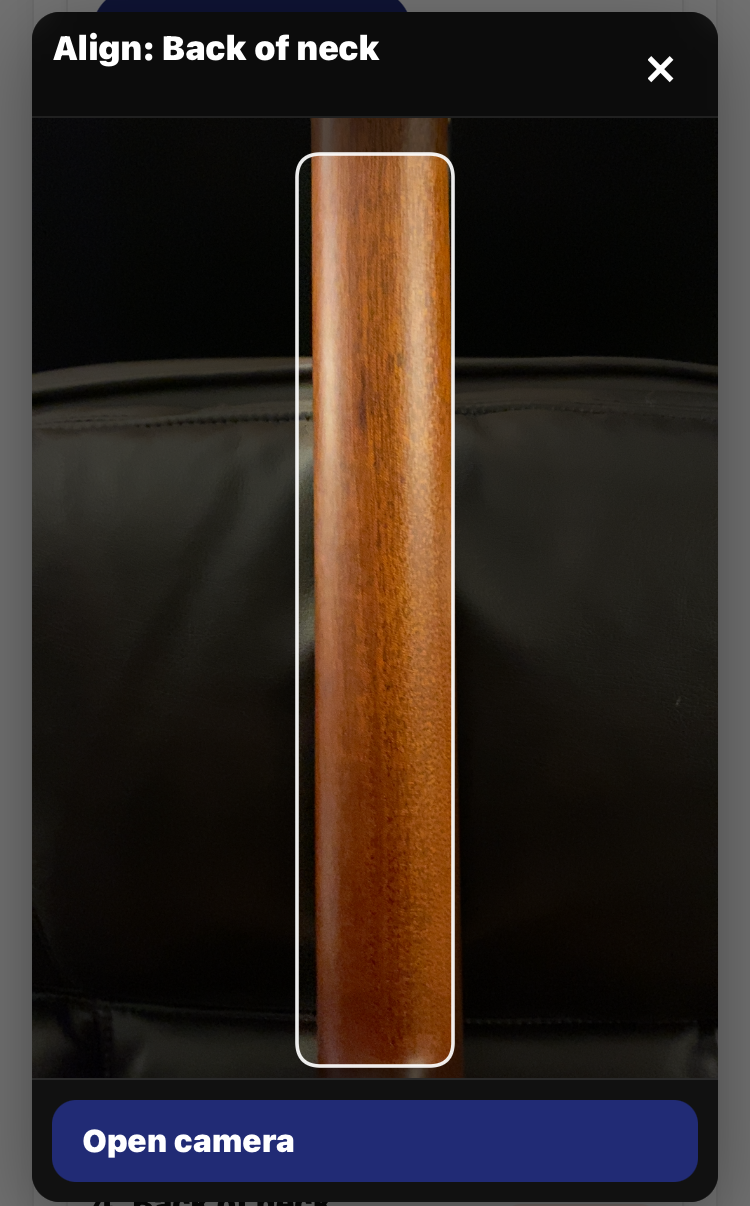
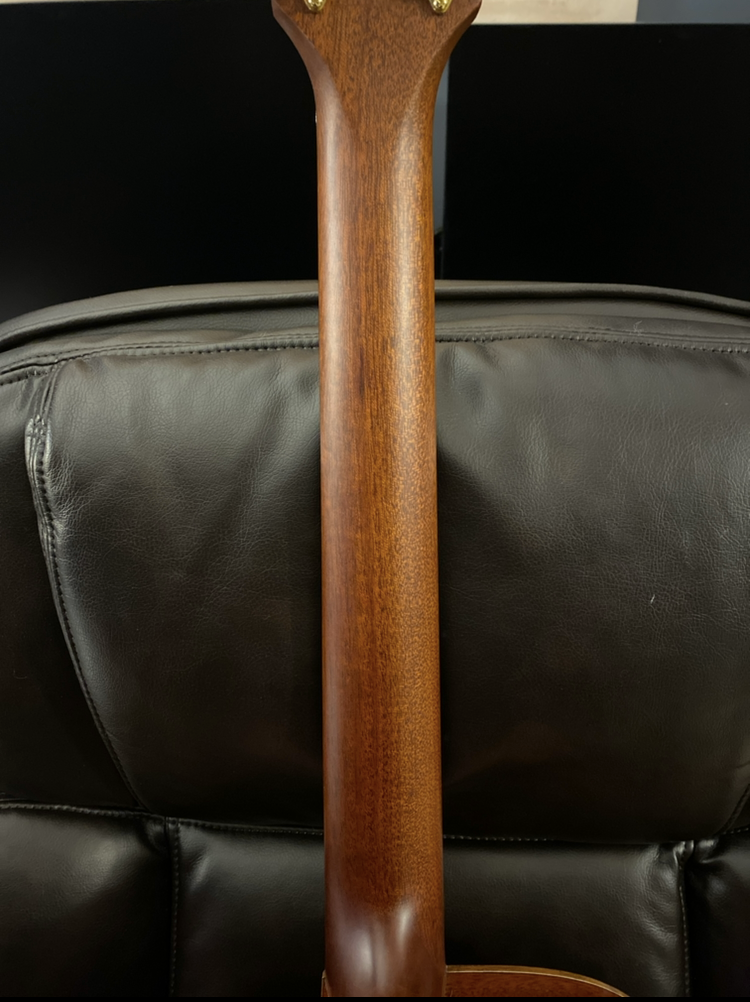
Back of neck
Step 1 — Align
Center the neck in the guide and keep it vertical. Fill the frame with the neck.
Step 2 — Capture
Use even lighting and keep the surface sharp (no blur, no glare).
Quick examples
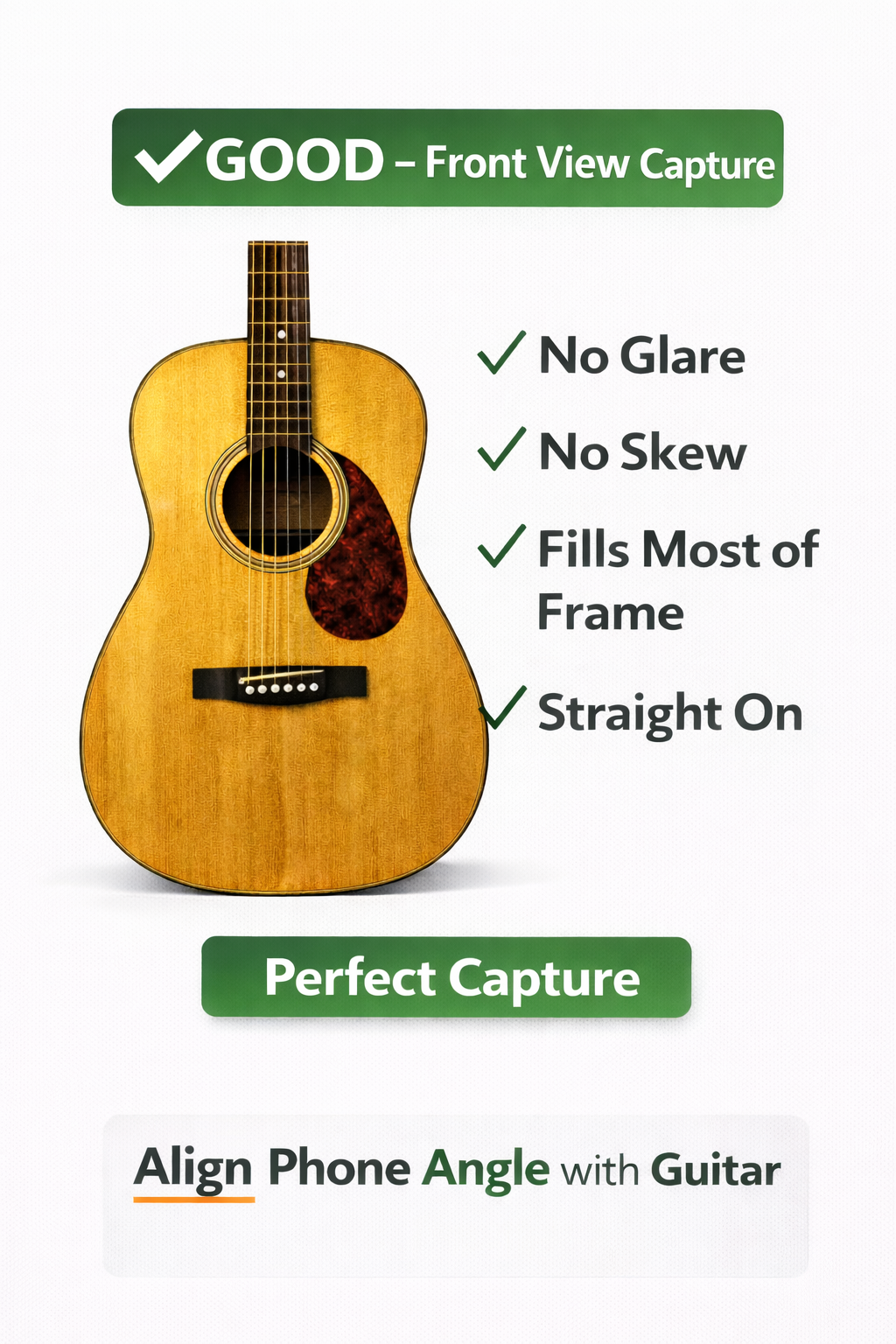
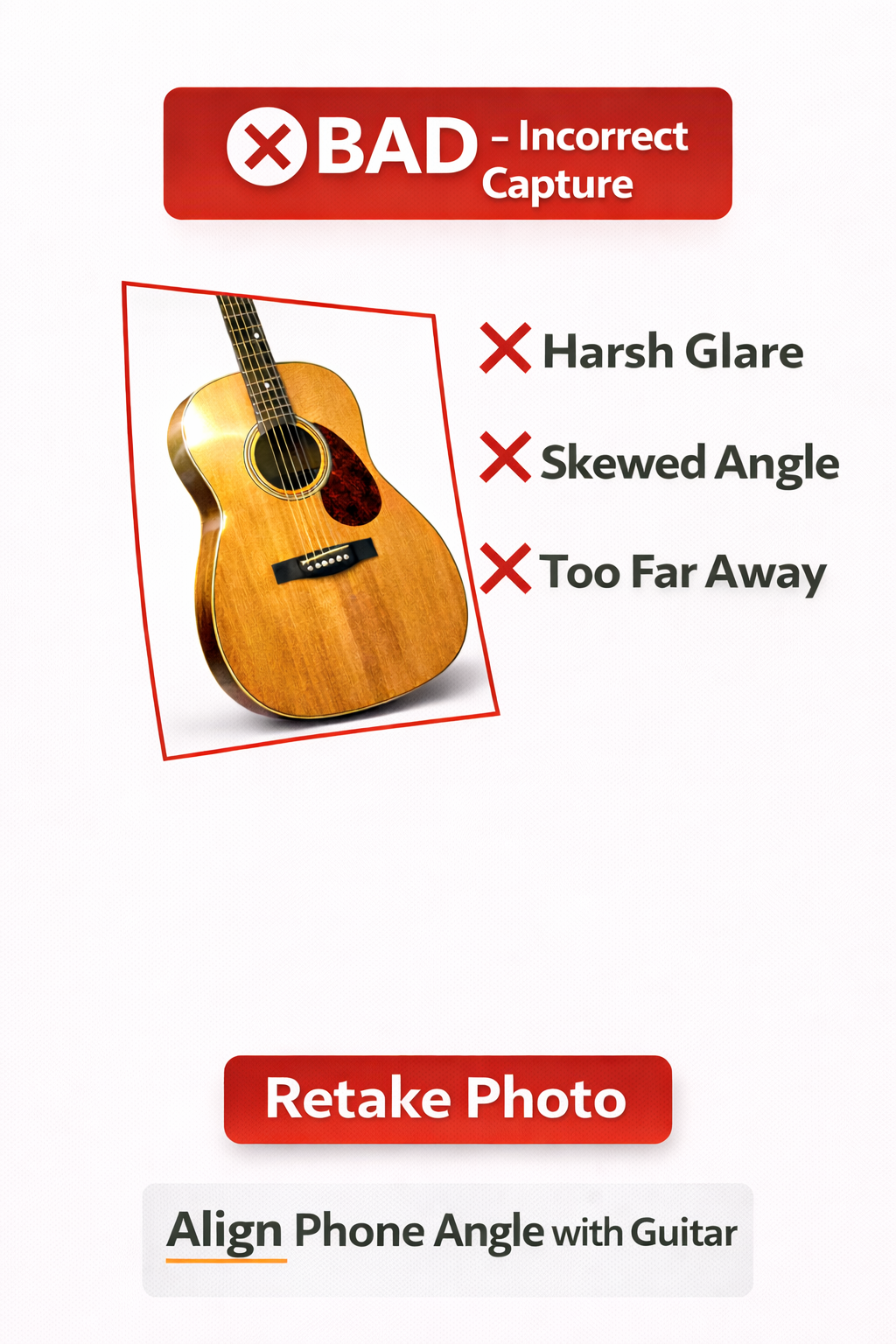
Good vs Bad (framing + glare)
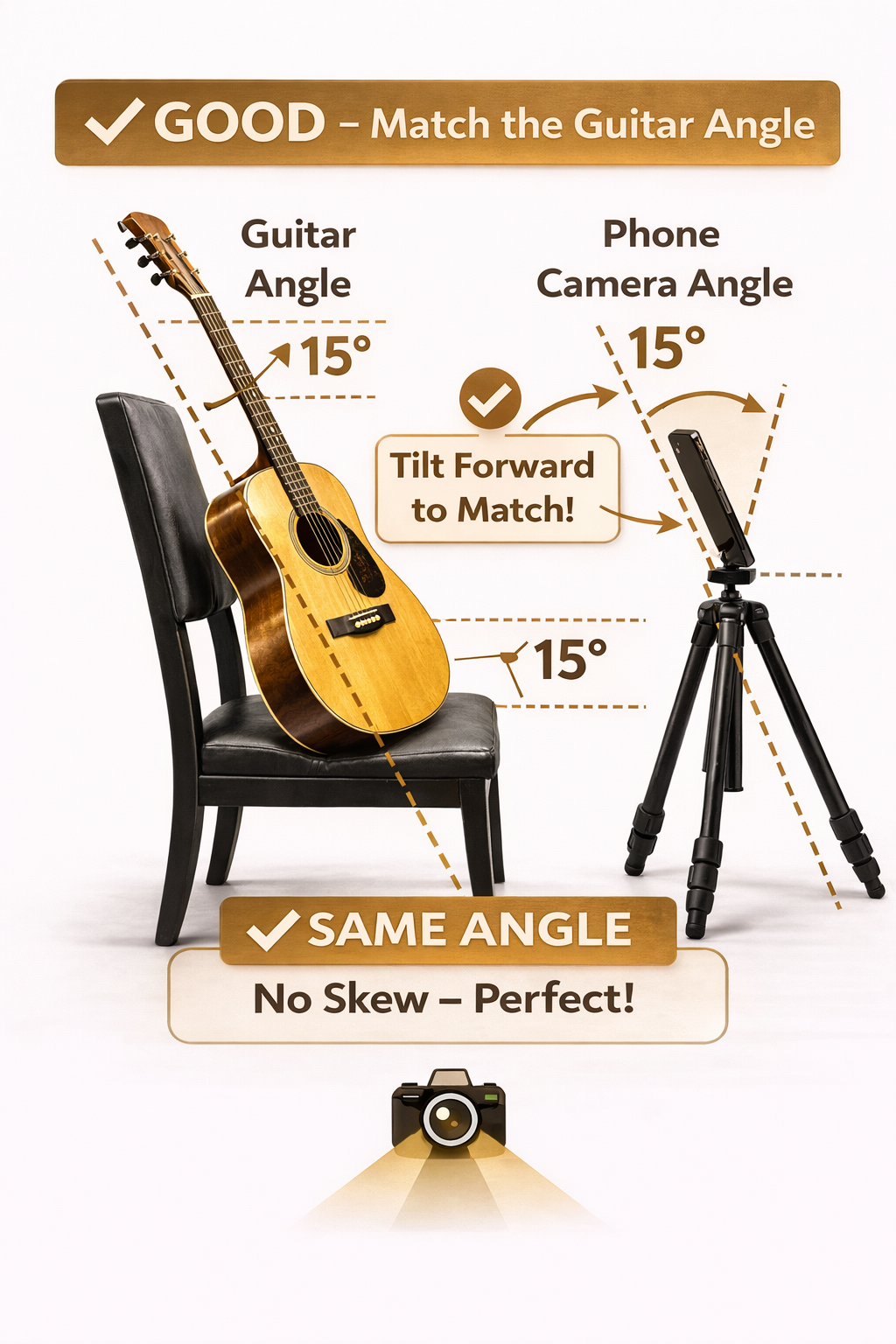
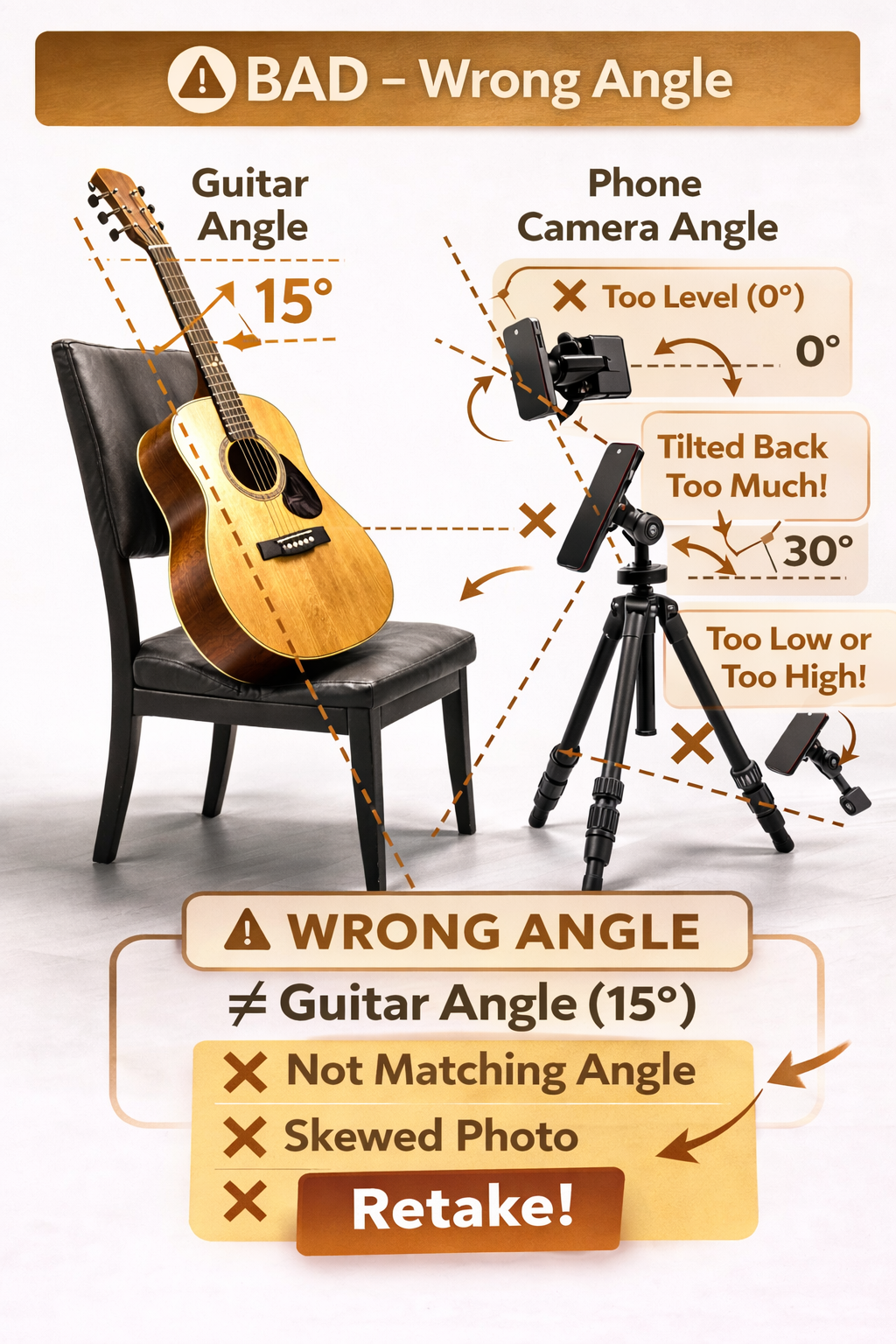
✅ Centered, straight, fills the frame, no glare ❌ Cropped, skewed, or glare/hot spotsPhone angle (avoid skew)
✅ Match your phone tilt to the guitar tilt ❌ Mismatched tilt = skew → retake